Paste to start
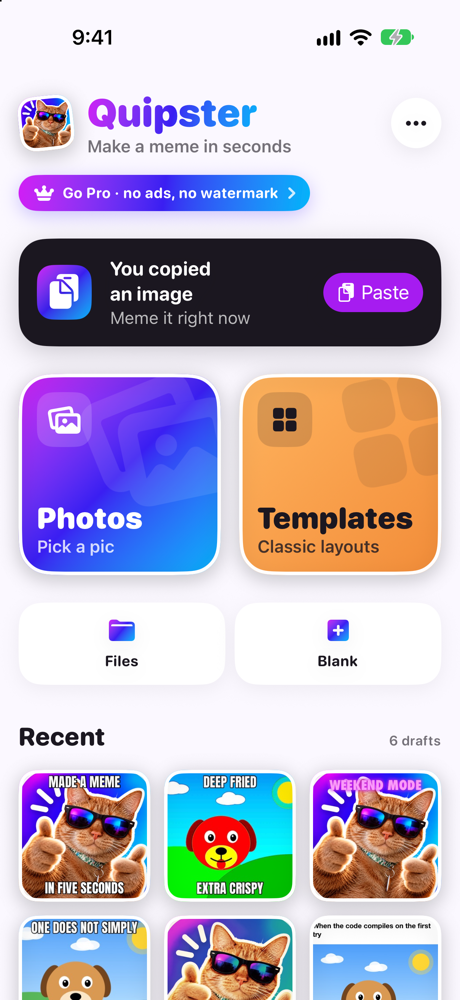
Copied a picture somewhere? Open Quipster and paste. Or pick from Photos, take one with the camera, or open a file.
Free meme maker for iPhone
Paste a picture, drop in a caption, give it room with Canvas Size, and share it before the moment passes. No account, no learning curve, and your photos never leave your phone.
Free with every tool. Go Pro once to remove ads and the watermark forever.
The hero feature
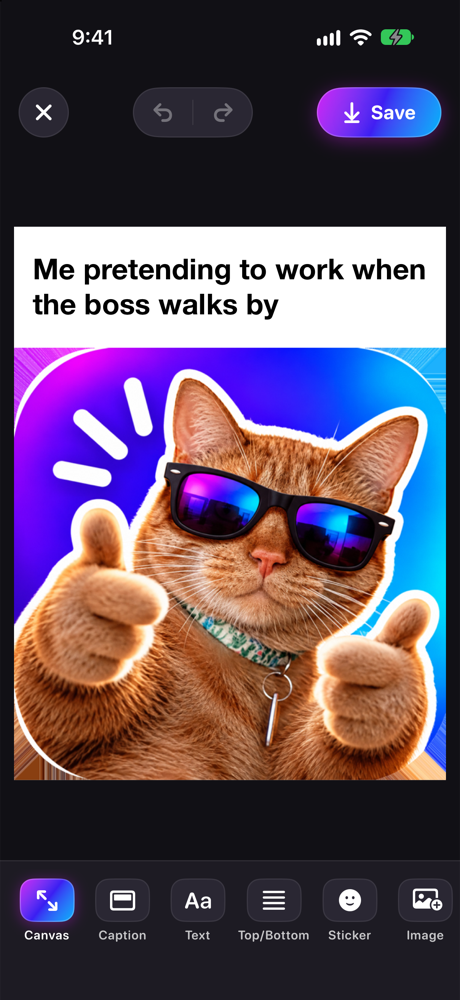
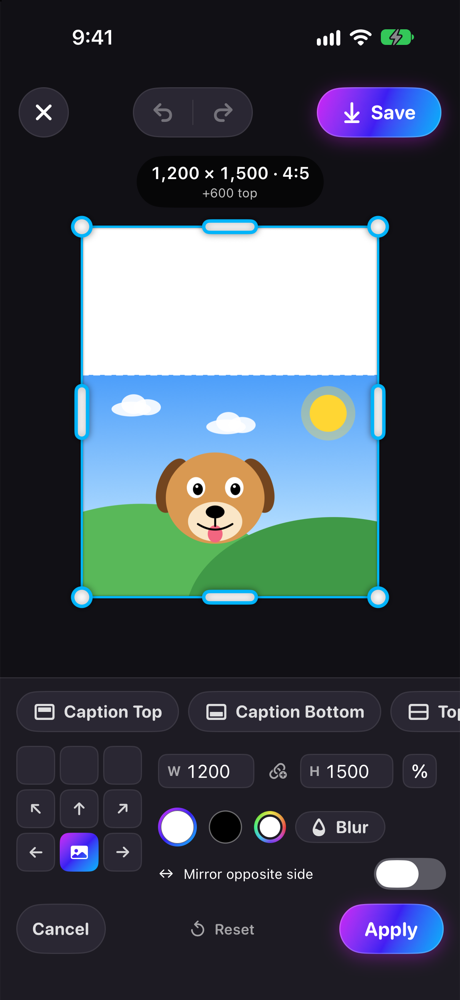
Canvas Size works like it does in Photoshop. Grow the canvas on any side and the picture stays exactly as it was, so there’s space for a caption bar, a border, or a whole new layout.
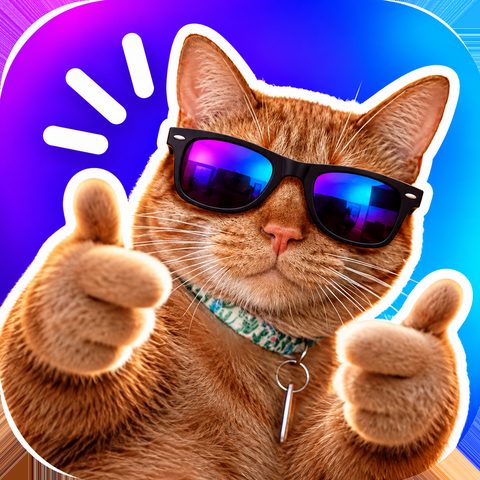
Try it: pick an anchor, a shape and a fill. The photo never stretches.
Everything you need, nothing you don’t
Quipster keeps the classic meme tools one tap away, and hides the clever stuff until you want it.
Copied a picture somewhere? Open Quipster and paste. Or pick from Photos, take one with the camera, or open a file.
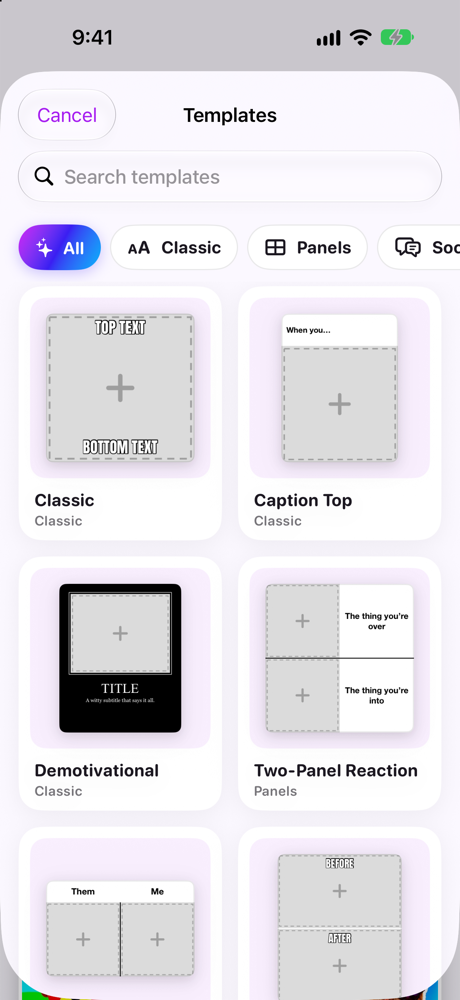
Panels, reaction, tweet card, tier list, starter pack and story layouts. Swap in your pictures and you’re done.
Big white Impact with a black outline, or clean modern caption bars. Style presets get you there in one tap.
Emoji and stickers, plus lift the subject right out of any photo and stick it wherever it’s funniest.
Scribble, circle, arrow. Blur out names and faces before you share a screenshot.
Straighten it, crop it, then turn it up with effects, all the way to properly deep-fried.
Reorder text, stickers and drawings like layers. Changed your mind? Undo is always right there.
Every meme autosaves as you work, so you can leave mid-joke and pick it up later.
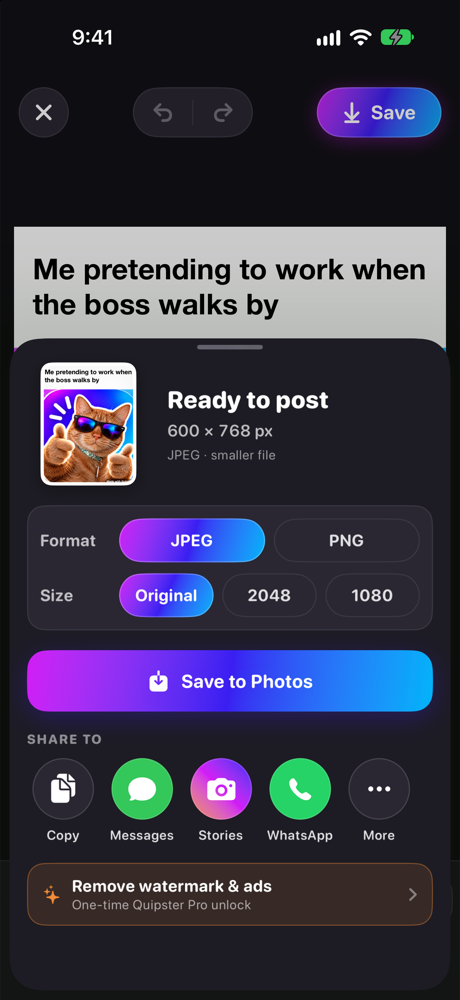
Straight to Messages or Instagram Stories, or save, share and copy as JPEG or PNG.
Pricing
Every tool is free. If the ads bug you, pay once and they’re gone for good. No subscription, ever.
$0
Everything you need to make great memes.
$2.99one time
The same app, without the extras you didn’t ask for.
Price shown in US dollars. Your local price is shown in the App Store before you buy.
Quipster edits everything on your iPhone. There’s no account to make, and your photos, drafts and memes are never uploaded to us. The free version shows ads from Google, and you choose what they can use. Read the privacy policy.
FAQ
Yes. Every tool, template and effect is free. The free version shows ads and adds a small “Made with Quipster” watermark to exports. Quipster Pro removes both with one purchase.
It adds space around your picture without stretching or cropping it. Choose which sides grow with the anchor grid or drag handles, fill the new space with white, black, a colour or a blur of the image, or fit to 1:1, 4:5, 9:16 or 16:9 in one tap. It’s the easiest way to add a caption bar or a border.
No. It’s a one-time purchase that’s yours forever. It works with Family Sharing, and you can restore it on a new iPhone from the More menu.
No. There’s nothing to sign up for. Open the app and start making memes.
Quipster is coming soon to the App Store for iPhone. This page will link straight to it the day it’s live.
Quipster is free, fast, and coming soon to the App Store for iPhone.
Coming soon tothe App Store